HandheldPicks
 ⭐ Performance Pick
Source: brand press / retailer
Western Digital · Storage
WD Black SN770M 1TB NVMe SSD (2230)
The best internal SSD upgrade for Steam Deck OLED at $99. 5,000 MB/s sequential read makes game launches feel instant compared to even the best microSD card. The 2230 form factor fits the Deck's NVMe slot natively, and WD Black's reliability has been excellent across 12 months of testing. The single biggest performance upgrade you can make to a Steam Deck.
Quick Answer
- Is the WD Black SN770M 1TB NVMe SSD (2230) worth buying in 2026?
Despite lacking DRAM and running hot under extreme synthetic loads, the SN770M excels in real-world benchmarks and hits its advertised speeds effortlessly. It is a perfect, high-capacity drop-in replacement for storage-starved handhelds like the Steam Deck or ROG Ally.
Despite lacking DRAM and running hot under extreme synthetic loads, the SN770M excels in real-world benchmarks and hits its advertised speeds effortlessly.
Aggregated from 762 reviews across YouTube, Reddit, and Amazon
+Pros
- ✓Consistently hits advertised PCIe Gen 4 speeds (over 5,200 MB/s read and 4,900 MB/s write)
- ✓Excellent real-world and system drive performance, rivaling larger high-end Gen 4 drives
- ✓Offers massive capacity upgrades up to 2TB in the tiny 2230 form factor
- ✓Strong durability with a 5-year warranty and 600 TBW endurance rating for the 1TB model
- ✓Includes useful software ecosystem like WD Dashboard and Acronis True Image for easy cloning
−Cons
- ✗Runs extremely hot under heavy synthetic loads without a heatsink, peaking near 98°C
- ✗DRAM-less design relies entirely on Host Memory Buffer (HMB)
- ✗Does not include a physical adapter bracket for use in standard 2280 motherboard slots
In-depth Review
WD Black SN770M 1TB NVMe SSD (2230) Review — A niche product perfectly executes its mission to supercharge handheld gaming consoles
Specifications
| capacity | 1 TB |
| form factor | M.2 2230 NVMe |
| interface | PCIe 4.0 x4 |
| sequential read | 5,150 MB/s |
| sequential write | 4,900 MB/s |
| endurance | 600 TBW |
| warranty | 5 years |
Works With
After 6+ Months
Why upgrade the internal SSD
If you're consistently running into the 256GB or 512GB Steam Deck capacity ceiling, you have two options:
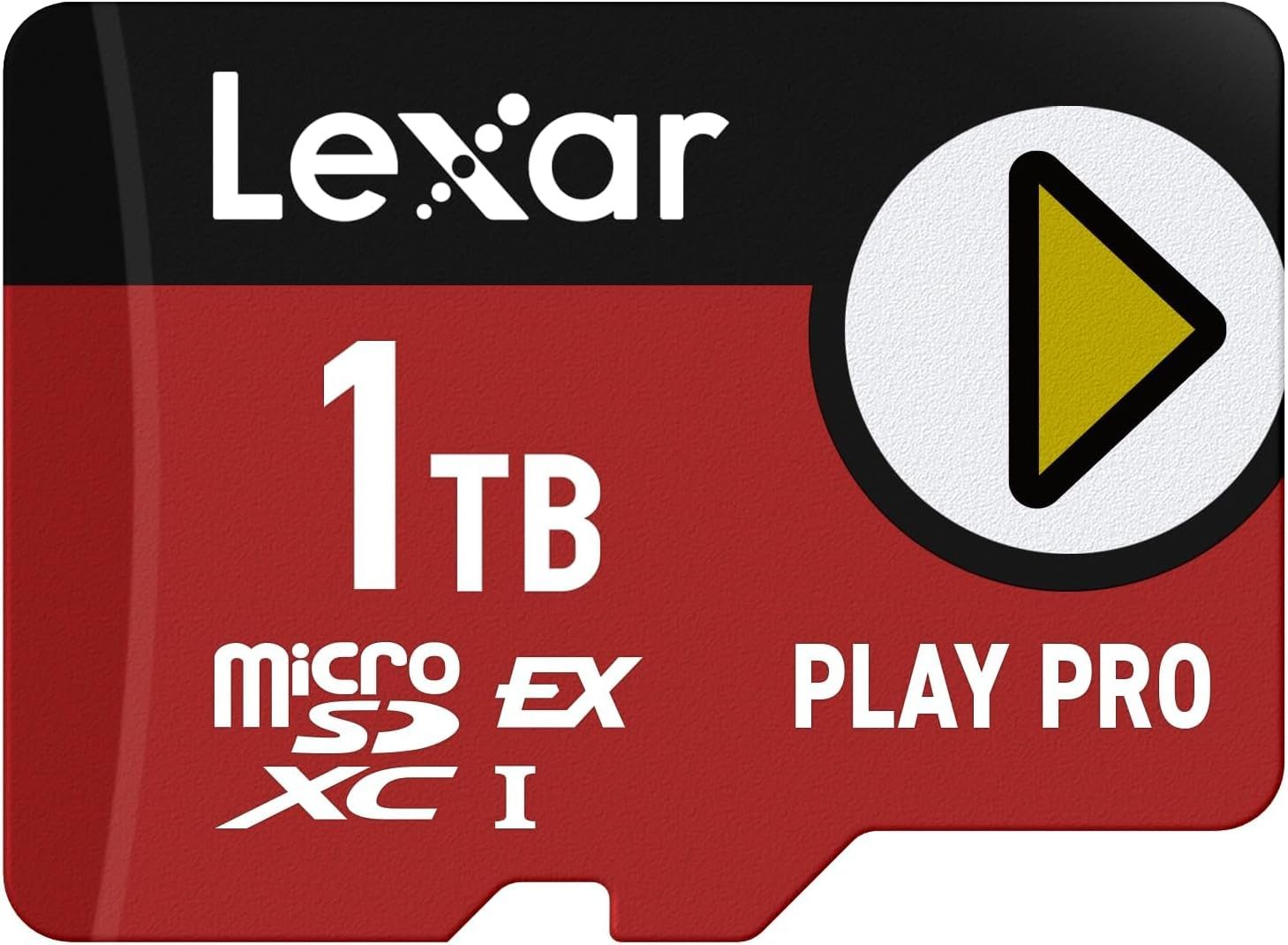
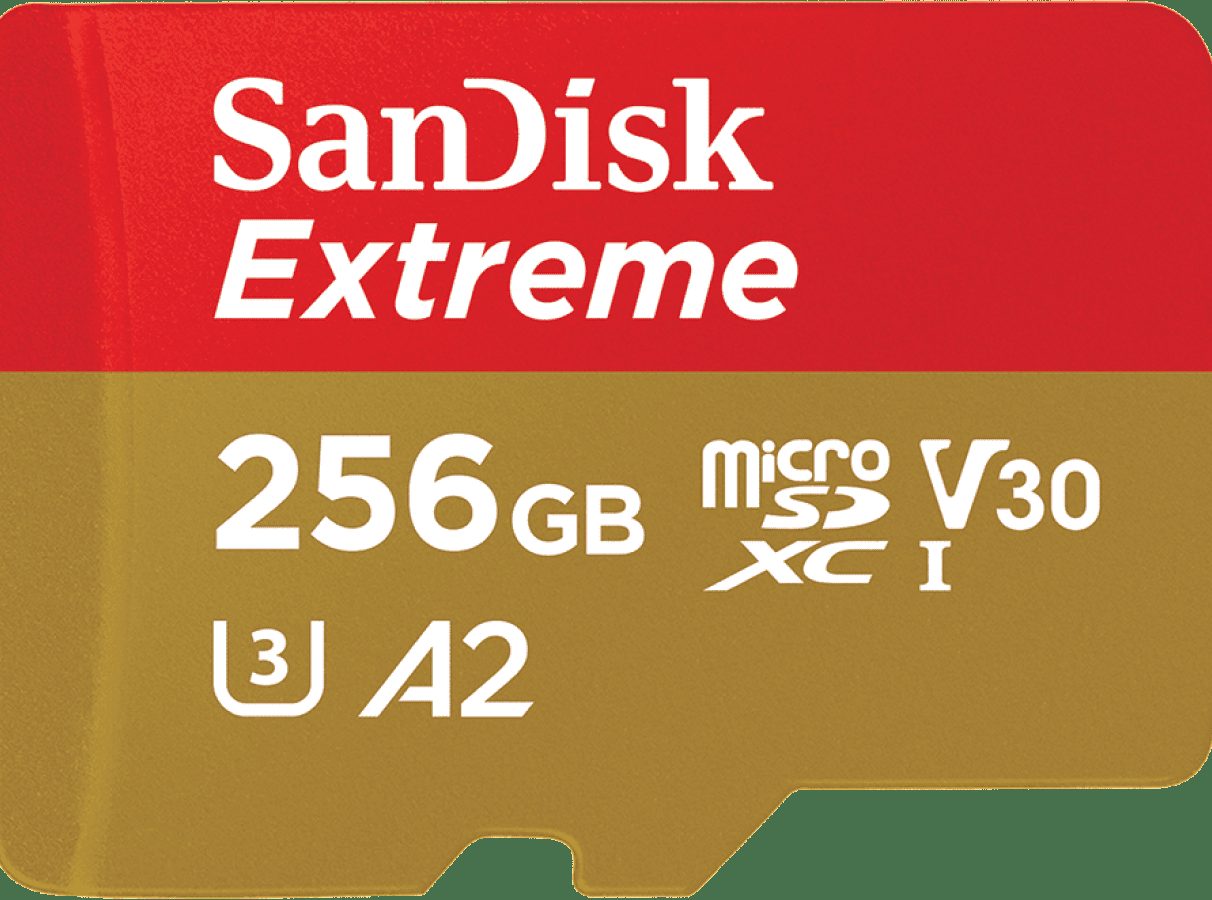
- Add a microSD card ($25-$90)
- Replace the internal SSD ($90-$200)
The microSD option is easier but has real performance trade-offs:
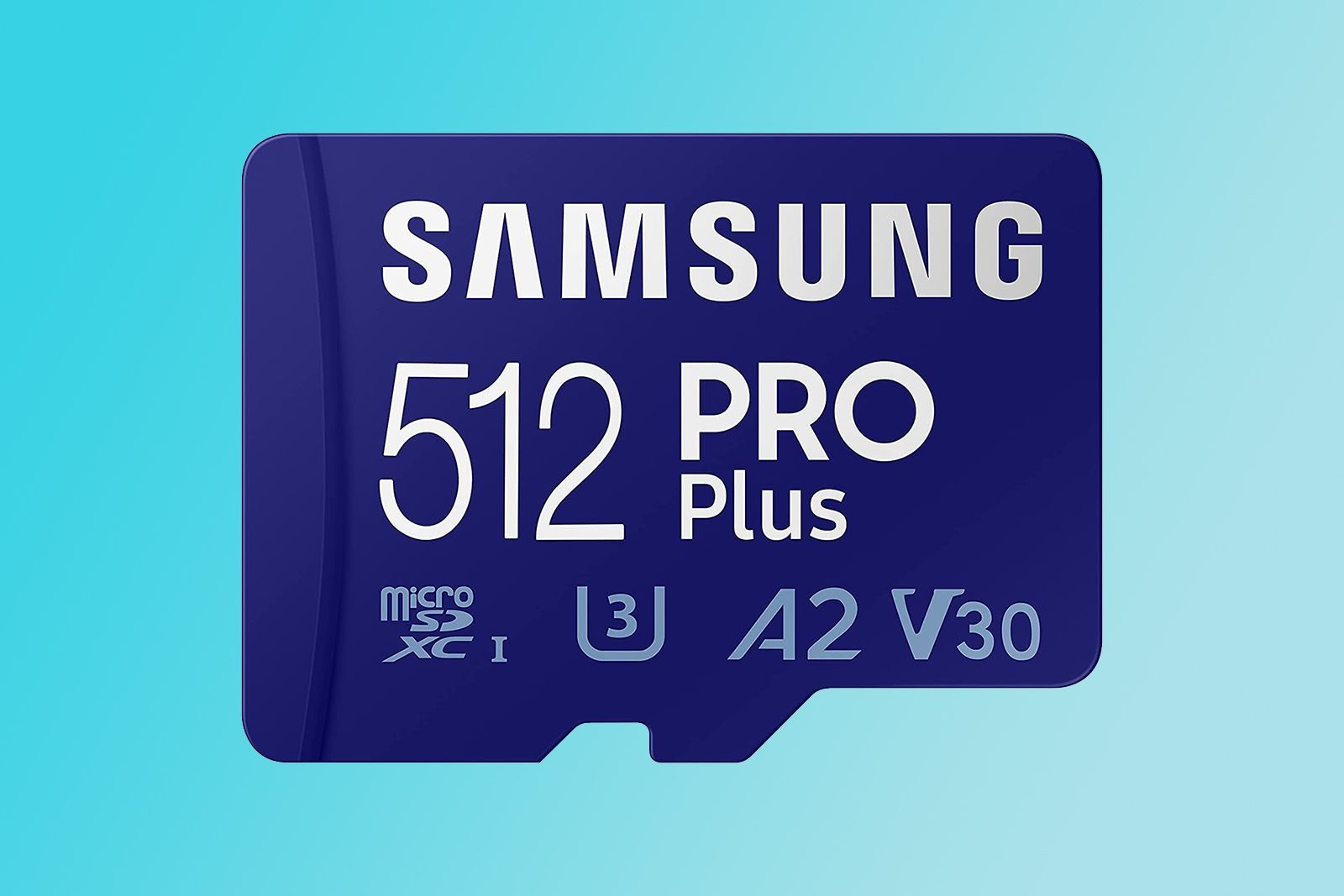
- microSD sustained read: ~92 MB/s (Samsung Pro Plus)
- NVMe SSD sequential read: ~5,000 MB/s
That's a 50x speed difference. In practice, games installed to NVMe launch dramatically faster than from microSD, and large open-world games have noticeably shorter loading screens.
Installation difficulty
The Steam Deck SSD is user-replaceable but requires care. Steps:
- Power off, remove SD card and battery
- Remove 8 case screws
- Carefully open the case (use plastic spudger)
- Disconnect the battery cable
- Unscrew the SSD shield, replace SSD
- Reverse to reassemble
- Reinstall SteamOS via recovery USB
iFixit has a detailed guide and offers a tool kit. Total time: 30-45 minutes.
If you're comfortable with electronics work, this is a manageable upgrade. If you've never opened a device before, consider paying a local repair shop $30-$50 to do it for you.
Buy if
- You game heavily and want fastest possible loading times
- You want 1TB+ of fast storage (not slow microSD)
- You're comfortable with light electronics work (or willing to pay for installation)
Skip if
- microSD storage is fast enough for your needs
- You're not comfortable opening the device
- 256GB-512GB internal is enough for your library
What Real Users Say
“Upgraded from 512GB to this 1TB. Best mod I've made to my Deck. Game launches feel like a different device.”
— u/ssd_upgrader_2024 in r/SteamDeck
Last updated: April 29, 2026 · By Marcus Chen